Two-factor authentication (2FA) adds a second verification step to a sign-in, so a password by itself is not enough. The extra check might be a temporary code, an app approval, a fingerprint, or a physical security key. If someone steals only your password, they still need another factor. Many services also call this multi-factor authentication (MFA), even though the terms are often used interchangeably.
How it works
When you sign in, the service checks the first factor, usually your password. If 2FA is enabled, it asks for a different kind of proof and verifies it before completing the sign-in. The second factor may be typed, tapped, or completed with a physical device. After a successful check, an authenticated session may remain active, so you may not be asked again on every visit.
- First factor: You enter your password or otherwise prove the first required factor.
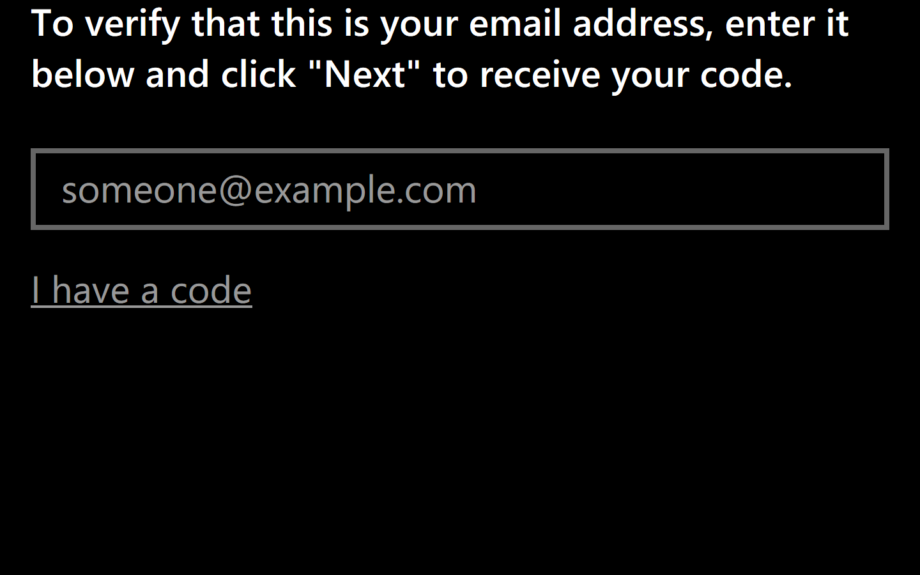
- Second factor: The service sends or displays a challenge, depending on your chosen method.
- Verification: The service checks your response and may identify the device or number used.
- Access: After both factors pass, the account opens and a session may remain active for a while.
Consider an account protected by a password and an authenticator-app code. You type your password, then enter the six-digit code currently shown in the app. If an attacker has your password, they cannot produce that code unless they also access your app, its synchronized backup, or the secret used to generate it. If you receive an approval prompt you did not initiate, do not approve it; it may be someone trying to use your password.
This protection works only when every sign-in path checks the second factor. A service might require 2FA during a normal login but use weaker checks during account recovery or a password reset. Recovery settings matter as much as the usual sign-in screen.
The three factor types
The term “factor” means the category of proof involved, not merely the number of screens in a sign-in process.
- Something you know: A password, PIN, or secret answer. These can be guessed, reused, or exposed in a breach.
- Something you have: A phone receiving a code, an authenticator app on a device, or a hardware security key. The service checks that you control the item, although control of a phone number is not always strong proof.
- Something you are: A fingerprint, face scan, iris scan, or other characteristic tied to you. In many systems, biometrics unlock a device that then supplies a credential; the biometric itself may never be sent to the online service.
A password plus an SMS code combines something you know with something you have. A password plus a fingerprint combines knowledge with a characteristic. Two passwords are not two factors, even if one is stored in an app. “Two-factor” means two different categories; multi-factor authentication is the broader term for requiring two or more.
Common methods, ranked by security
Here is a practical ranking from generally weaker to generally stronger among these common methods. It is not absolute: poor implementation can undermine a strong method, and the relevant threats differ by account.
- SMS codes: generally the weakest here. A service sends a one-time code to your phone number. That is convenient, but the number can be redirected through a SIM swap, in which someone takes control of the carrier account and receives your number. SIM swaps are not routine, but they make SMS less reliable than device-based methods. SMS is still much better than a password alone.
- Authenticator apps and TOTP: usually stronger than SMS. The app stores a shared secret and calculates a temporary code, often one that changes every 30 seconds. The service verifies that code, so your stolen password does not reveal a reusable second code. If your phone is unlocked or the app is compromised, someone may be able to get the code. Protect the device and keep recovery details current.
- Push approvals: convenient, with approval-dependent risks. A trusted device receives a sign-in request, and you approve it after checking the details. Security depends on preventing someone from approving a fraudulent request. Repeated unexpected prompts, sometimes called MFA fatigue, can train people to tap approve carelessly. Never approve a request you did not start. Some implementations add number matching or show what is being approved, which can improve security.
- Hardware security keys: generally the strongest option listed. A small physical key proves possession through a cryptographic check with the site. The site verifies the key’s response rather than a code that can be typed into any login box, making the method resistant to many phishing tricks when implemented correctly. Keys can be lost, and not every service supports them. A second key and backup codes reduce the inconvenience.
Ranking is not a guarantee. A push prompt that shows a matching number or other details may reduce mistakes; an authenticator code can still be stolen by sophisticated phishing; and a key-based option can fail if a service implements it poorly. Choose the strongest properly implemented method offered, and protect the recovery route too.
Backup codes, recovery, and choosing a method
2FA matters because passwords fail in ordinary ways: people reuse them, phishing campaigns collect them, and breaches expose them. A second factor means a password found in a breach, a password manager, or a fake login page is not enough by itself. It does not make an account invulnerable. Malware can act on an already signed-in device, a person can approve a fraudulent prompt, or an attacker can exploit weak recovery. Its value is turning one stolen secret into an incomplete login.
Backup codes, sometimes called recovery codes, are one-time codes a service provides for when your usual second factor is unavailable. Common reasons include a lost phone, a replacement device, a broken security key, or moving to a new phone. Each code may work only once; generating a new set may invalidate the old set. Treat codes like passwords: do not post them, share them with support, or leave them in an email inbox someone else can access. Store them separately from the device used for sign-in.
When choosing, balance the value of the account, the methods offered, and the chance of losing access to your second factor. For important accounts, prefer an authenticator app or hardware security key when properly supported; push is a reasonable middle ground when it shows useful request details and you can check them. SMS is often the most accessible option and is better than no second factor, but it is a less secure fallback. If you use SMS, protect the carrier account with its own PIN or port lock.
Make recovery information current, save backup codes before you need them, and test that you can sign in on a second device. Use unique, long passwords for important accounts and keep the device holding 2FA secure. Do not approve unexpected requests. Labels vary by service: a setting may be called two-step verification, two-factor authentication, multi-factor authentication, sign-in approval, authenticator app, or security key.
Key takeaways
- Use two different kinds of proof. A second screen is not automatically 2FA; the checks should come from different factor categories.
- SMS is the weakest common method here. It is convenient, but phone-number redirection and text-delivery weaknesses make it less dependable.
- Authenticator apps and hardware keys offer stronger choices. Push can work well when you verify every request; hardware keys are generally strongest among the four.
- Save recovery codes securely. Generate them in advance, keep them separate from your device, and update recovery email and phone details.
- 2FA is one layer, not a guarantee. Pair it with unique passwords, a secure device, and careful handling of prompts.
Frequently asked questions
Is 2FA the same as MFA?
They are closely related. Two-factor authentication specifically means two different factor categories, such as a password and a device-held credential. Multi-factor authentication means two or more factor categories and is the broader term. Because many services use “MFA” on a setting that actually asks for two factors, people often use the labels interchangeably.
Which 2FA method should I choose?
Use the strongest method the service properly supports and that you can use reliably. An authenticator app or hardware key is usually preferable for important accounts. Push is convenient when requests clearly identify what is happening. SMS remains useful when it is the only practical option, but it is least secure here. Save a backup method before you need it.
What if I lose my phone?
Act promptly. Use a backup code if one is available. If the missing phone held your authenticator app, restore access through the app’s legitimate backup or recovery process, if you set one up. If you relied on SMS, contact your carrier about restoring control of the number. Never give an unsolicited caller or support agent your password, code, or recovery code.
Can someone still get into my account with 2FA?
Yes. 2FA blocks many password-only attacks, including the reuse of credentials stolen in a breach. It does not block malware on a device that is already signed in, a fraudulent prompt that you approve, or a weak account-recovery process. Strong 2FA is most effective alongside unique passwords, device security, careful prompt checks, and current recovery settings.